Getting Started with VIM Flex
Overview
VIM Flex is a free Windows desktop application which lets you open, analyze, and compare VIM files. A VIM file is a snapshot of your BIM model which contains all the geometry and all the elements and parameters and a whole lot more! You can create VIM files using the exporters for Revit, Navisworks, and IFC, as well as from VIM Enterprise.
By upgrading to VIM Flex Pro, you can enable the local VIM Flex MCP Server, allowing you to:
-
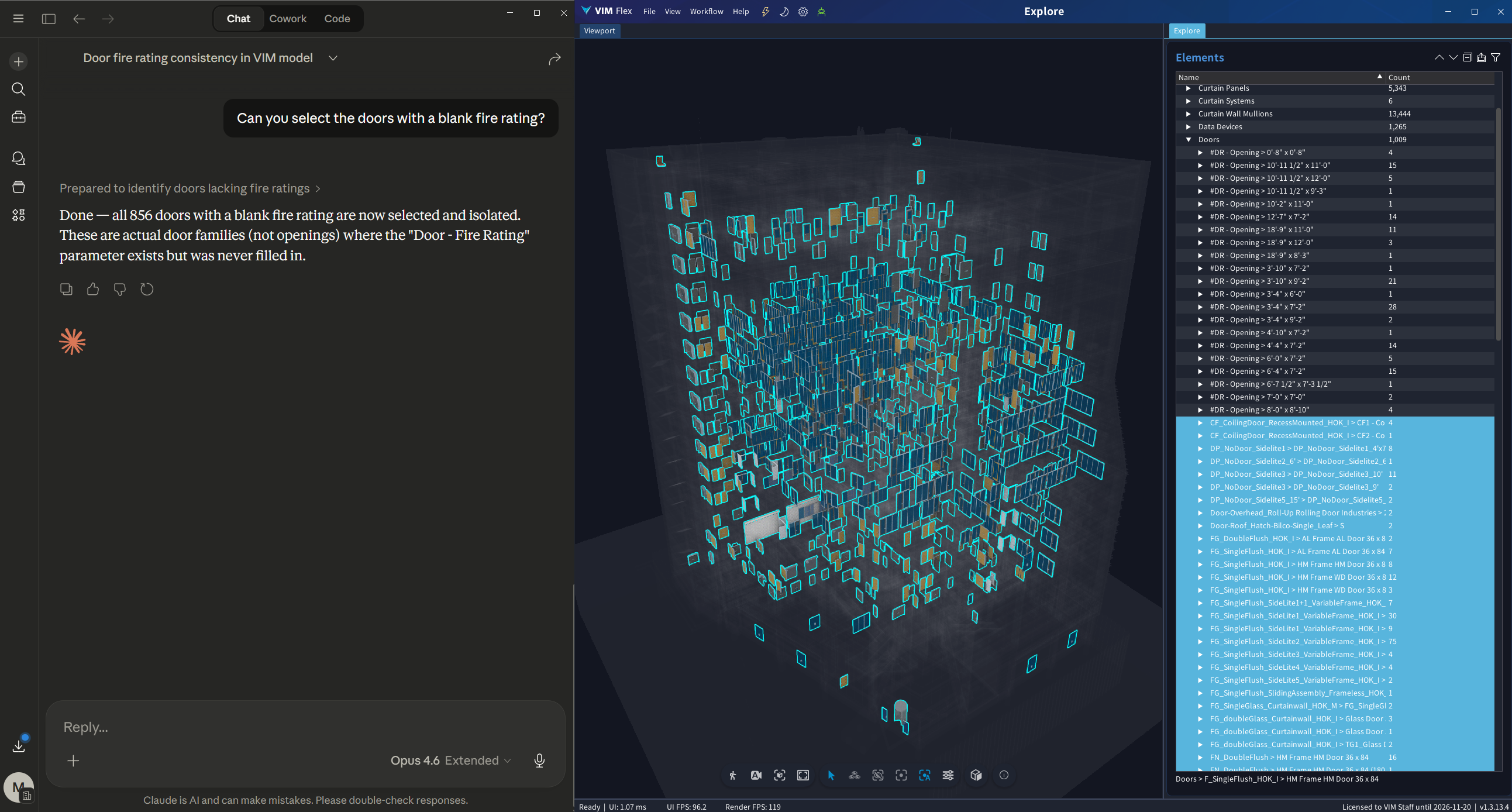
Query your VIM file with AI directly on your local machine. Ask Claude Desktop to find elements, audit parameters, or isolate components using natural language.
-
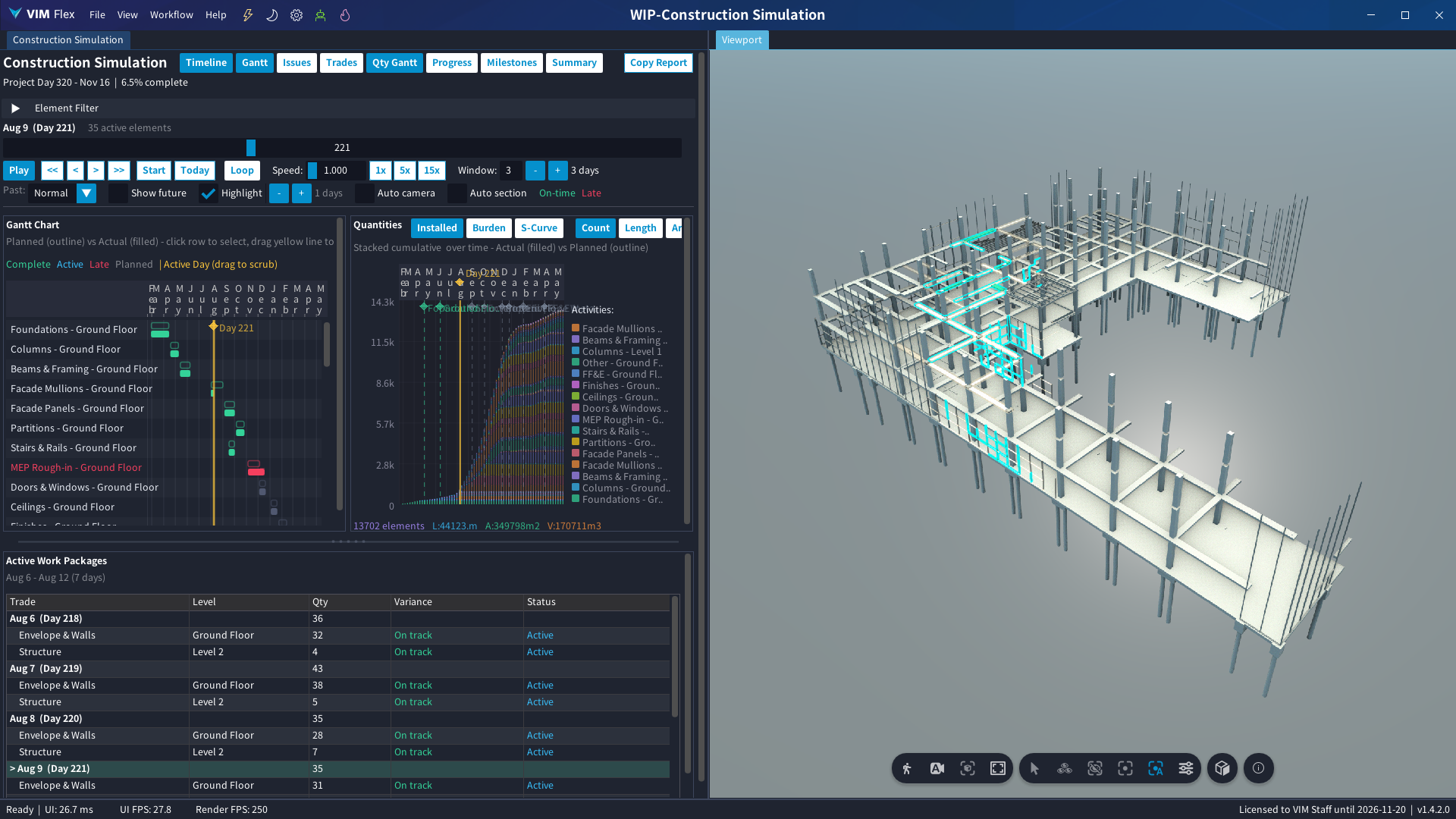
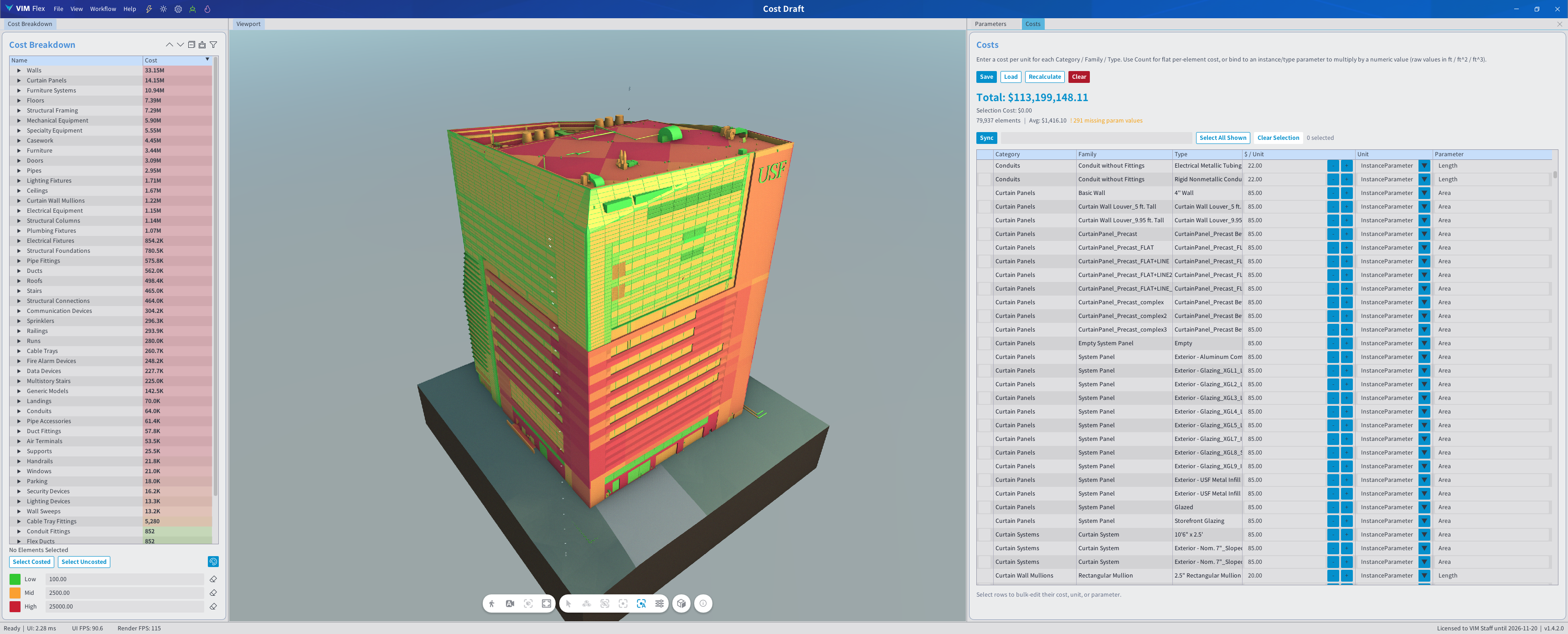
Create your own customized views and workflows without writing any code. Just describe what you want and Claude will author a VIM Flex plugin tailored to your needs — whether that's cost analysis, parameter validation, or anything else specific to how your team works.
"Can you make me a cost drafting tool and help me fill out some rough costs for this building?"
System Requirements
| Resource | Requirement |
|---|---|
| Operating System | Windows 11 |
| CPU | Multi-core 2.20 GHz CPU or greater |
| Memory | 16 GB DDR4 RAM or greater |
| GPU | Discrete Graphics Device: NVIDIA 1080Ti, Quadro K600 or AMD equivalent or greater - Must be compatible with the Vulkan graphics API v1.3.275+ - Please ensure the latest graphics drivers are installed |
Put your computer in "Best Performance" mode for an optimal experience.
Quick Start Guide
Follow the steps below to install VIM Flex, export your first VIM file from Revit, and start querying your model with Claude Desktop.
1. Install VIM Flex
-
Ensure your computer meets the recommended system requirements above.
-
Download the VIM Flex Installer.
-
Run the installer executable. The Revit, Navisworks, and IFC exporters are installed alongside VIM Flex.
2. Export a VIM file from Revit
-
Open your project in Autodesk Revit.
-
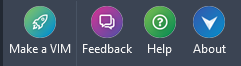
Click the VIM ribbon item, then click Make a VIM.
-
Configure the export options as desired and click Start. For a full description of each option, see Getting Started with VIM for Revit.
-
When the export completes, click Open Locally to open the file in VIM Flex.
You can also create VIM files from Navisworks, IFC, or VIM Enterprise.
3. Open the VIM file in VIM Flex
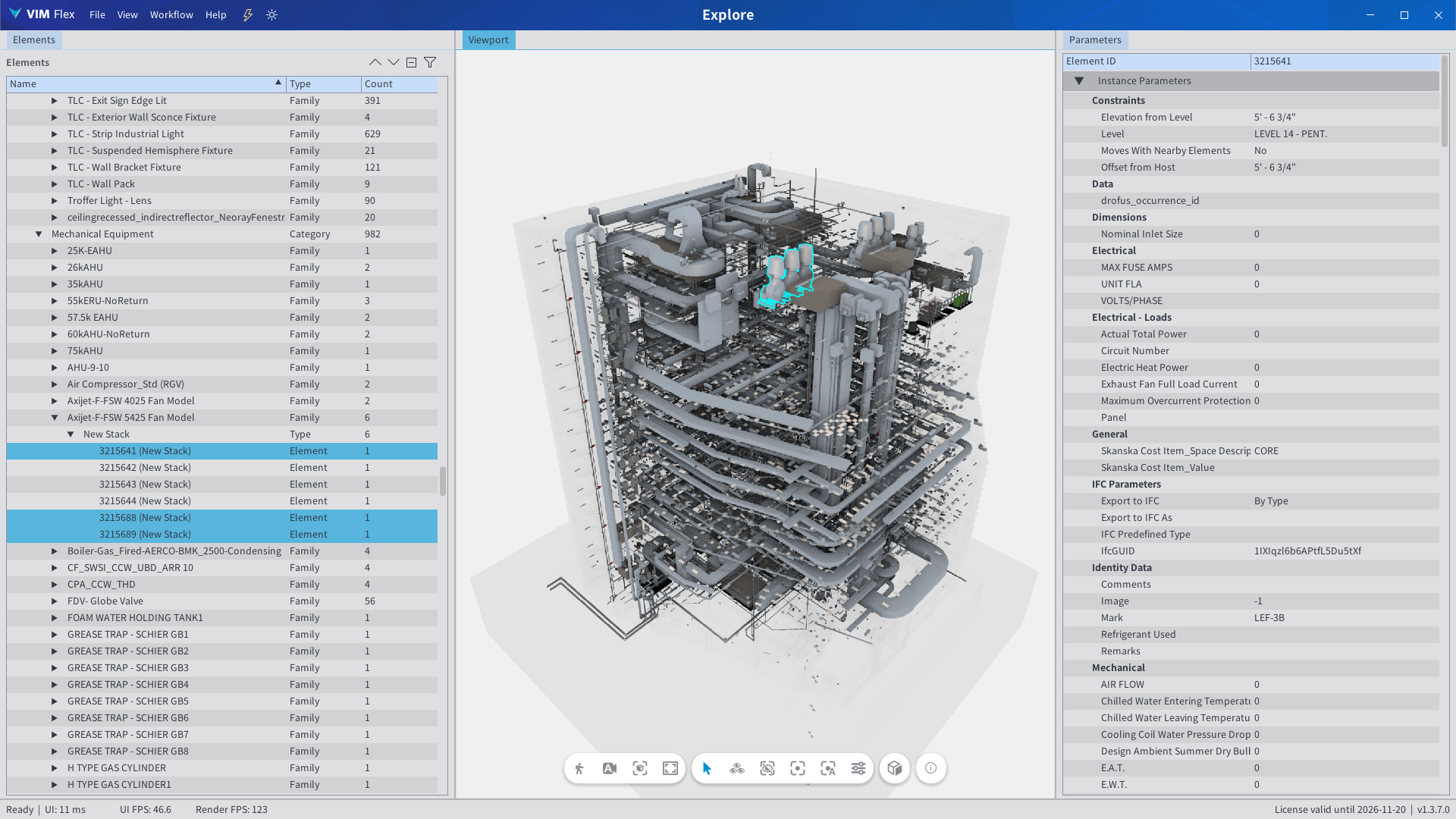
With the VIM file opened in VIM Flex, use the free Explore workflow to navigate your model, inspect element parameters, and isolate components.
4. (Optional) Query and Customize with AI
Please follow the MCP Server Getting Started guide to configure this feature. With Claude Desktop, you can chat with your model and create custom views and workflows.
"Can you select the doors with a blank fire rating?"
"Can you propose a construction schedule for this building and help me visualize it?"