Upgrading VIM Flex
Please follow the steps below to upgrade VIM Flex.
-
Ensure VIM Flex is installed. You can download the installer from https://vimaec.com/download.
-
Download your license key (.license file). If you have purchased a license key, we will send it to you by email.
-
Press the "+ Upgrade" button on the top bar, or go to Help > License.

-
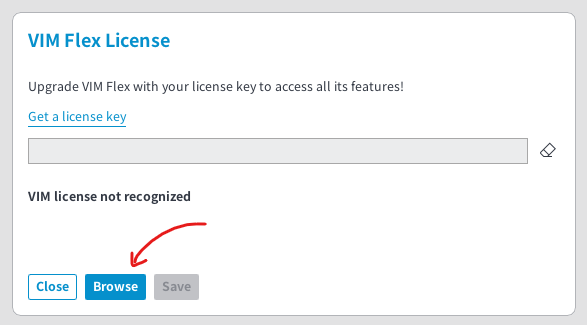
Use the "Browse" button to select your .license key.
-
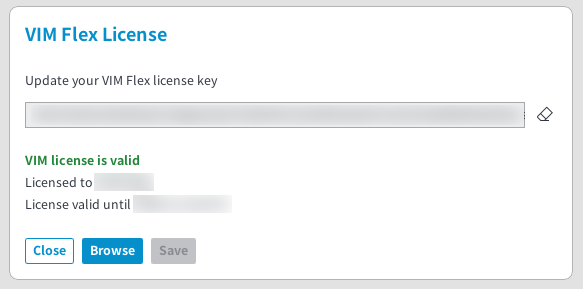
If your license is valid, its status will be displayed.
-
Press "Close" to dismiss the dialog.
-
✅ VIM Flex is now fully upgraded and all features are unlocked.