Updating a Project
To ensure your Power BI reports contain the latest data, you can manually run your VIM Enterprise projects, or you can schedule them to run at specific times. Once your project is updated, you can refresh your report in Power BI.
Manual Updates
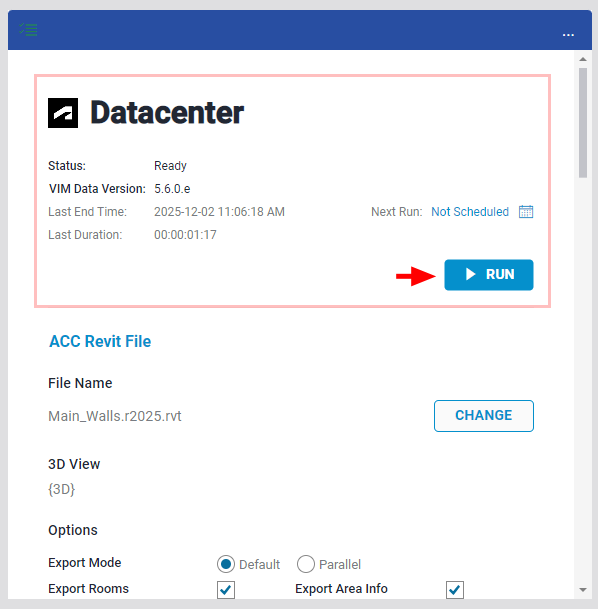
To manually update a entire project, click the Run button.
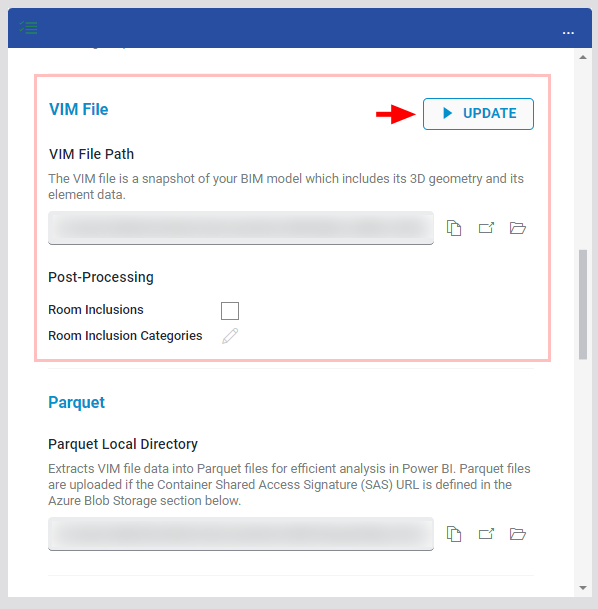
Alternatively, if you want to skip the lengthy conversion process and re-upload your existing VIM data, scroll down and press the "Update" button instead.
Scheduled Updates
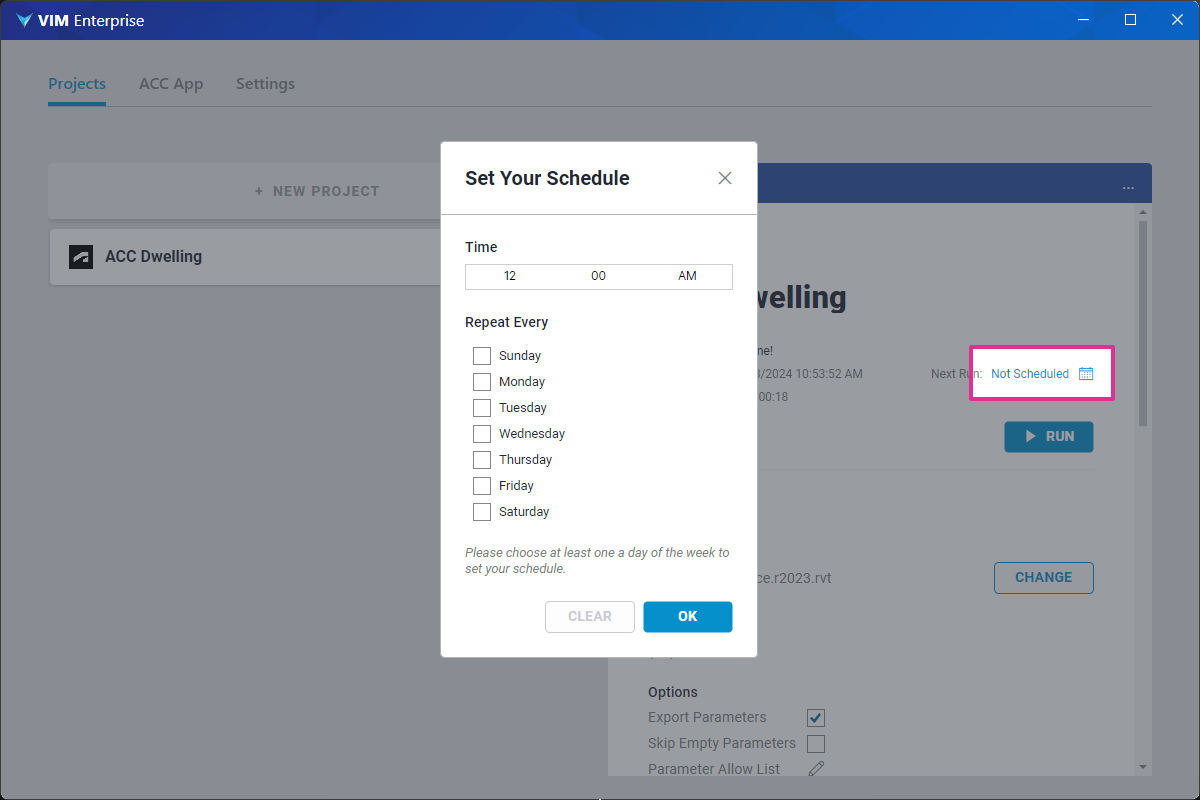
To schedule regular project updates, click on the Schedule icon on the top of the project panel (see below). Set the time and days you want to update your project and click OK.